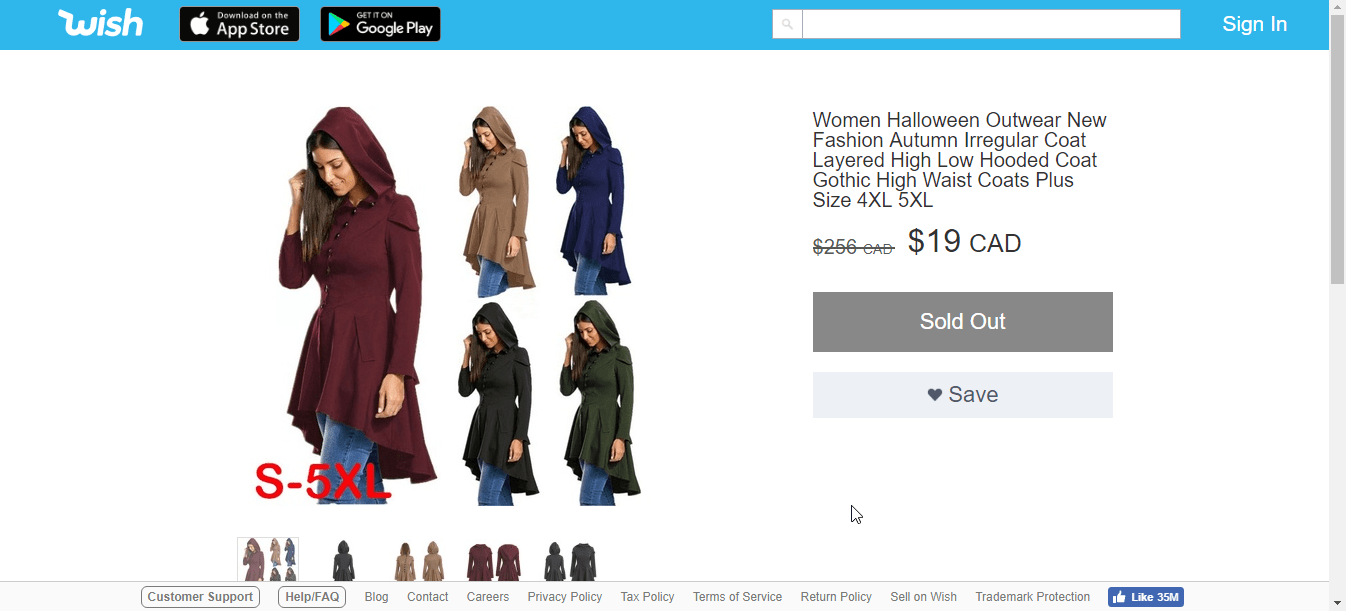
So you’re doing google searching, and find an item you really like! But it’s on WISH and you don’t have an account because why would you when they buy and up-sell stuff and charge you shipping they never had to pay from other wholesalers. So what do you do to bypass this menu? What can be done so you get the proper description for this item, allowing you to cross reference the internet for it where it actually came from?
Simply add to the end of your URL.
With Menu: https://www.wish.com/c/5b29b83c5cb7e31419f11189?

Without Menu: https://www.wish.com/c/5b29b83c5cb7e31419f11189?&hide_login_modal=true
Happy Hunting!

 Things & Stuff
Leave a comment